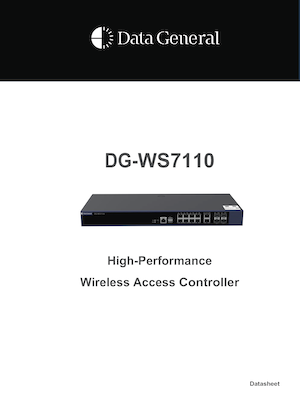
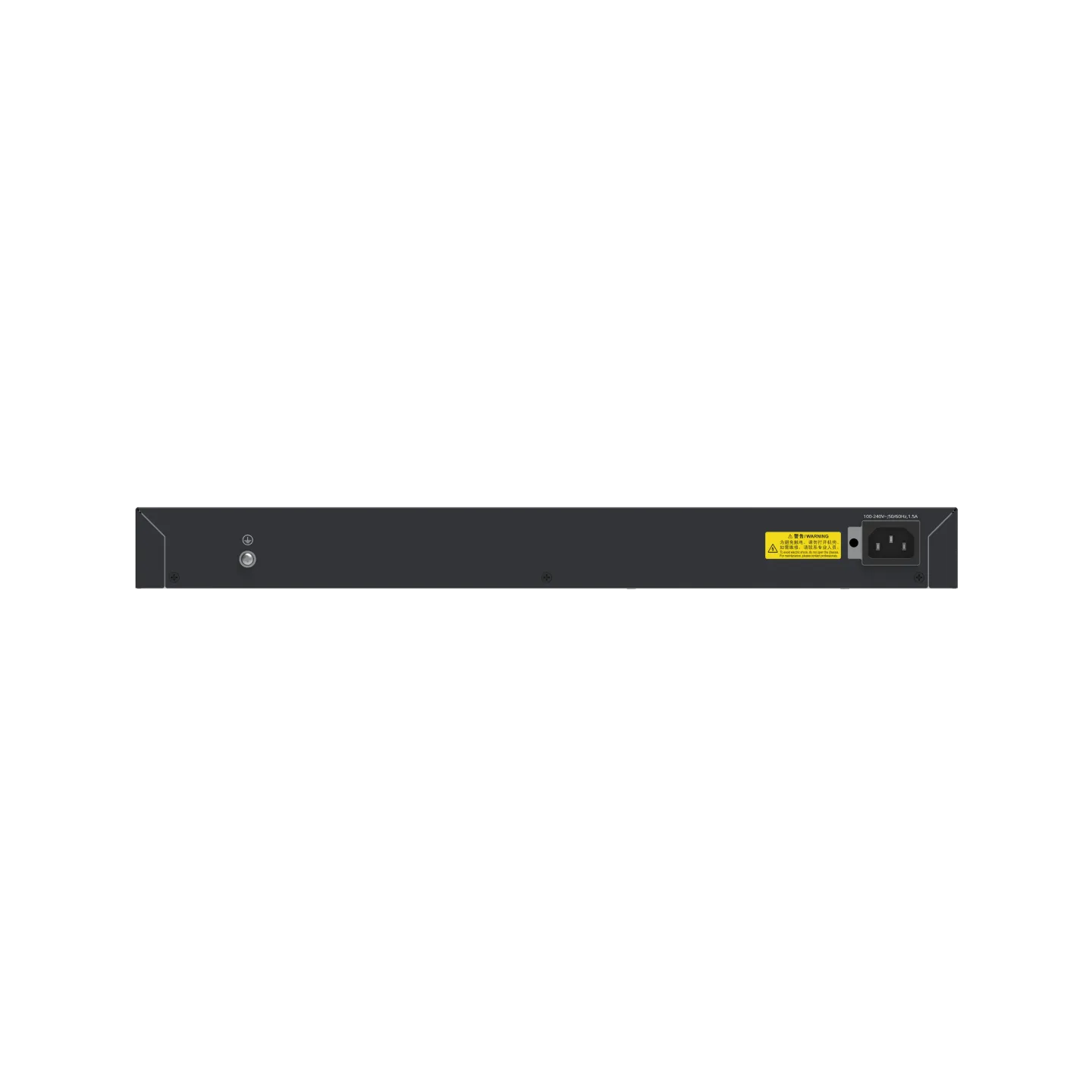

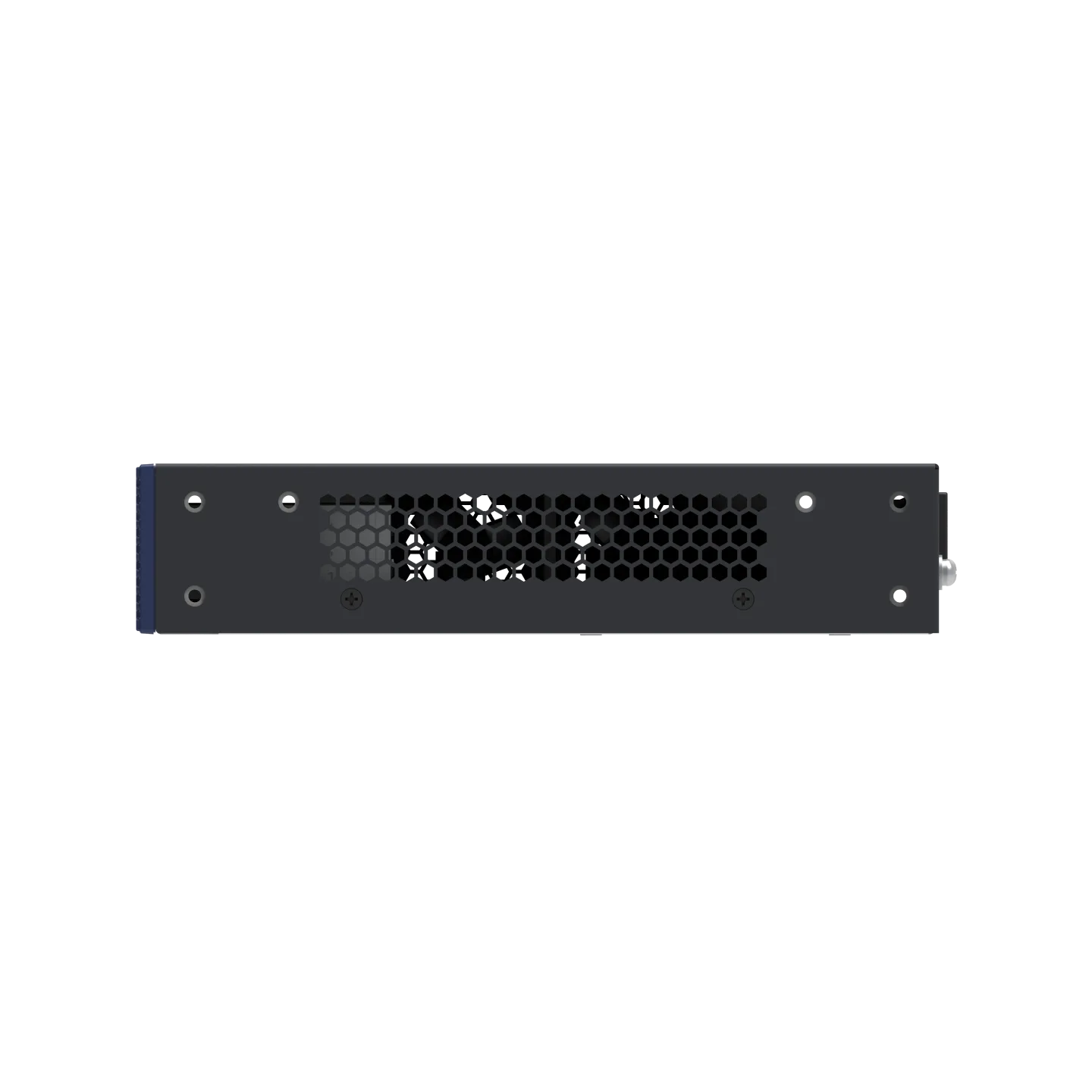



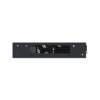
DG-WS7110 is a Enterprise wireless LAN controller supporting up to 512 standard APs or 1024 in-wall APs. Includes license for 32 APs (64 in-wall). Ideal for hotels, campuses, and large enterprise WiFi deployments.
4 in stock
DG-WS7110 Wireless LAN Controller – Scalable Enterprise WiFi Management for Medium-to-Large Projects
The DG-WS7110 is an enterprise-grade wireless LAN controller from Data General, engineered to provide centralized, scalable, and reliable WiFi management for medium-to-large deployments. Designed to sit at the core of professional WLAN architectures, it delivers the control, performance, and flexibility required in demanding environments.
The controller supports up to 512 standard access points or up to 1024 in-wall access points, making it an ideal choice for projects with a high number of rooms or distributed indoor coverage. To simplify deployment, the DG-WS7110 includes a preloaded license for 32 standard APs (or 64 in-wall APs), allowing networks to start small and scale progressively as project requirements grow. Additional AP capacity can be enabled through licenses as needed.
The DG-WS7110 centralizes configuration, monitoring, optimization, and policy enforcement across the entire wireless network, ensuring consistent performance, security, and user experience. This centralized approach reduces operational complexity, accelerates troubleshooting, and enables efficient management of large AP fleets from a single platform.
Purpose-built for medium-to-large projects, the DG-WS7110 is ideally suited for hotels and hospitality chains, large enterprises, university campuses, hospitals, corporate headquarters, and multi-building facilities, where scalability, reliability, and structured growth are critical. Its strong support for in-wall AP architectures makes it especially attractive for room-based deployments in hospitality and residential-style environments.
By combining high AP capacity, flexible licensing, and enterprise-grade WLAN control, the DG-WS7110 positions itself as the perfect step up from entry-level controllers, delivering a future-ready wireless management solution for professional networks that demand scale and robustness.
System specifications |
DG-WS7110 |
| Memory | 4 GB |
| Flash memory | 16 MB |
Dimensions and Weight |
DG-WS7110 |
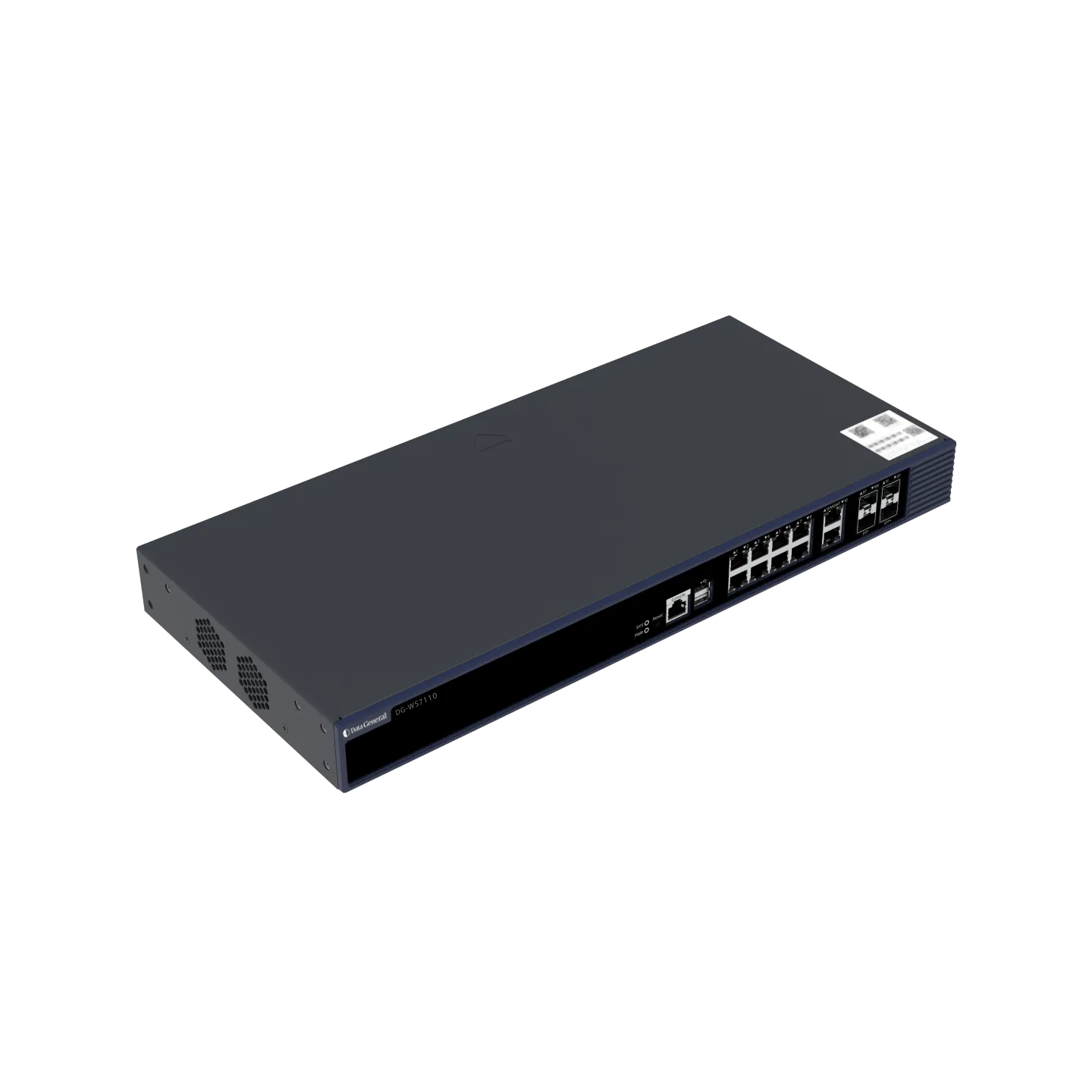
| Unit dimensions (W x D x H) | 440 mm x 200 mm x 43.6 mm (17.32 in. x 7.87 in. x 1.72 in., without rack-mount brackets)
486.2 mm x 205 mm x 43.6 mm (19.14 in. x 8.07 in. x 1.72 in., including rack-mount brackets) |
| Rack size | 1 RU |
| Unit weight | 2.7 kg (5.95 lbs) |
| Shipping weight | 3.5 kg (7.72 lbs) |
| Mounting | Rack-mount |
Port Specifications |
DG-WS7110 |
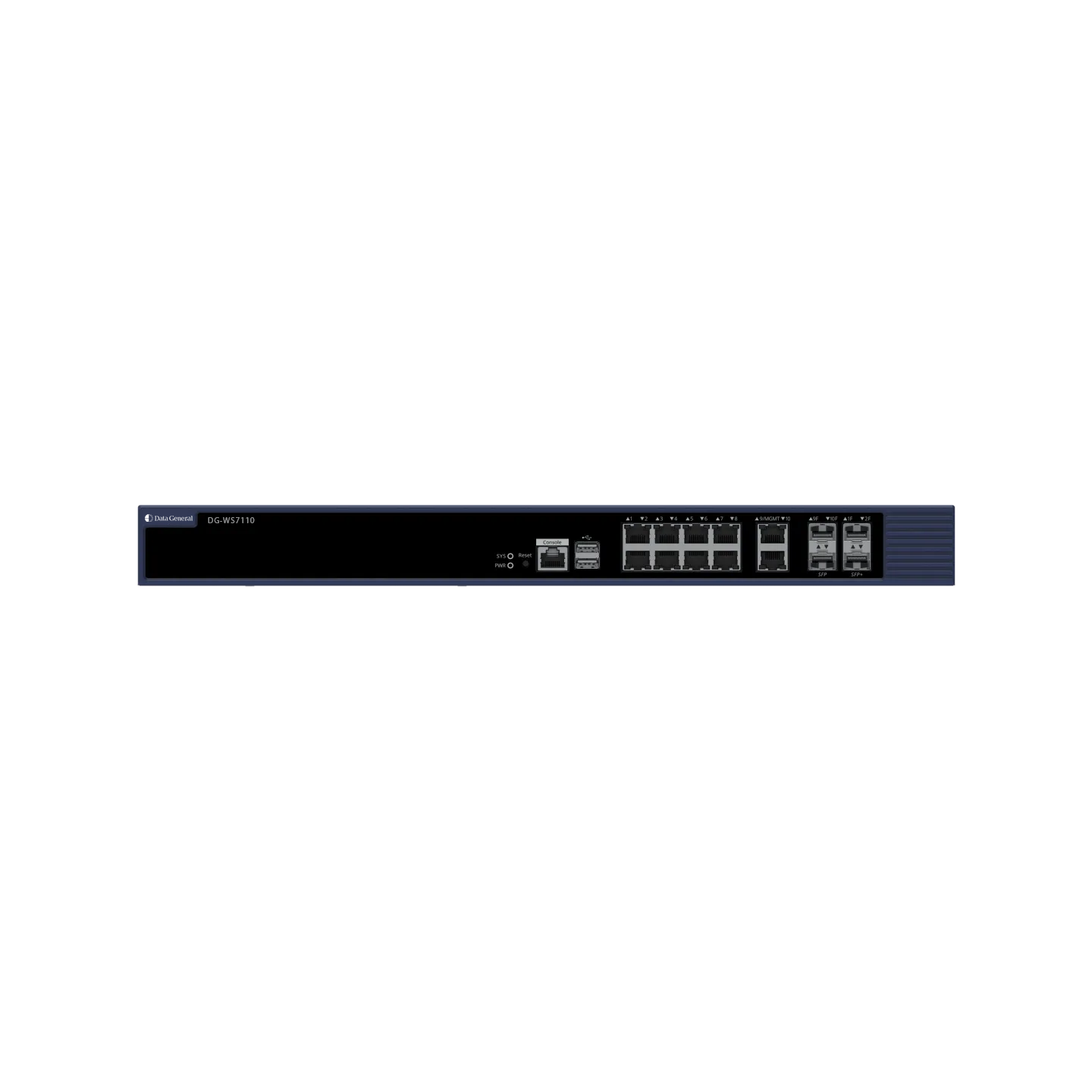
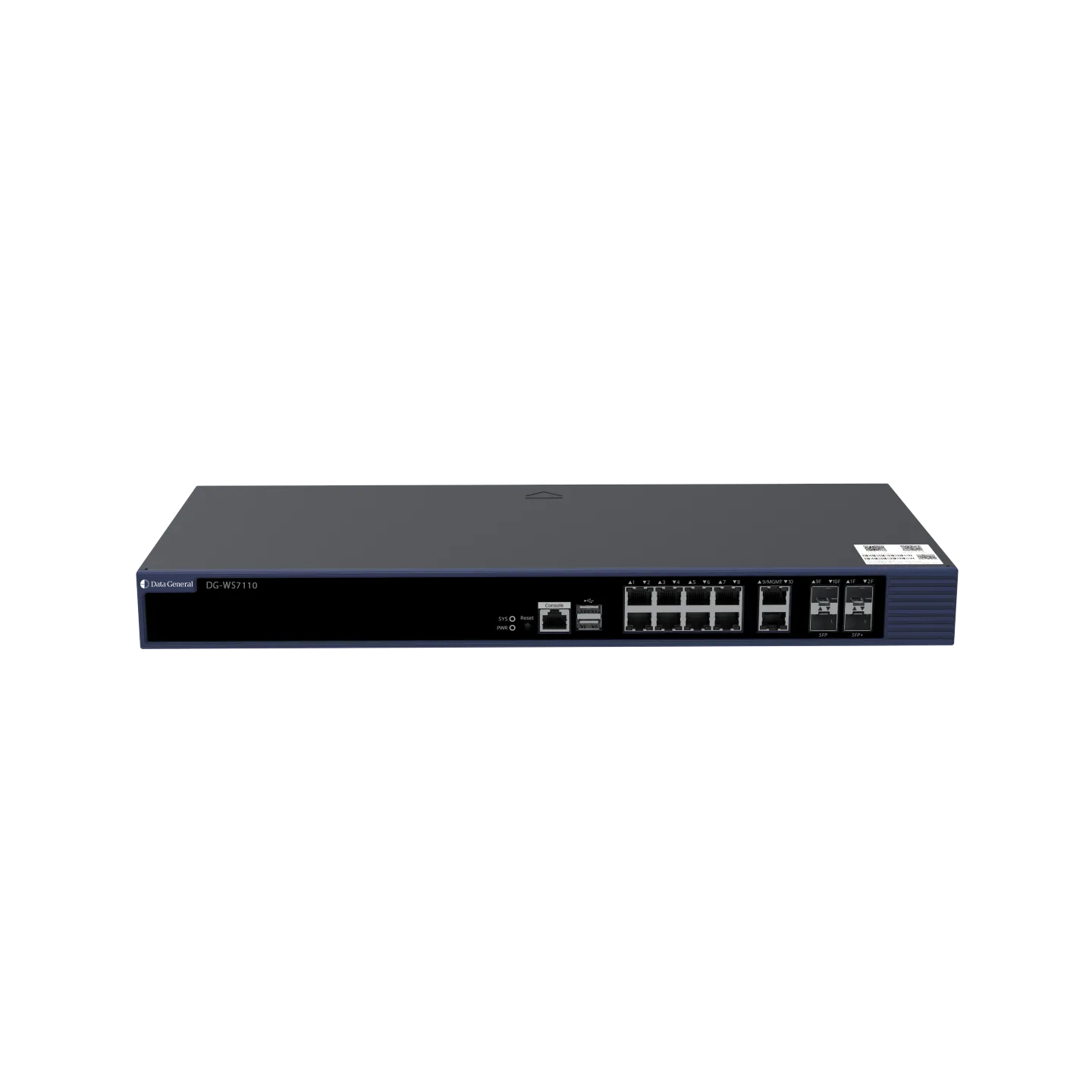
| Fixed service port | 8 x 10/100/1000BASE-T ports
2 x 1GE SFP/RJ45 combo ports ● RJ45 ports support 10/100/1000BASE-T. ● Port 9/MGMT can also be used as a management port. 2 x 10GE SFP+ ports |
| Fixed management port | 1 x RJ45 console port
2 x USB 3.0 ports, compatibility with USB 2.0 |
| Status LED | 1 x system status LED
1 x power status LED 8 x 10/100/1000BASE-T port LEDs 2 x 1GE SFP/RJ45 combo port LEDs 2 x 10GE SFP+ port LEDs |
| Button | 1 x Reset button
● Press the button for shorter than 3 seconds. Then the device restarts. ● Press the button for longer than 3 seconds. Then the device restores to factory settings. |
A combo port consists of an optical Ethernet port and an electrical Ethernet port on the panel and can be used as the optical or electrical port at one time. When either of the Ethernet ports is working, the other port is automatically shut down. You can select a port type as required.
Power Supply and Consumption |
DG-WS7110 |
| Maximum power consumption | 30 W |
| Power input | 100 V AC to 240 V AC, 50 Hz to 60 Hz |
| Power output | 12 V/3.33 A |
Environment and Reliability |
DG-WS7110 |
| Temperature | Operating temperature: 0°C to 45°C (32°F to 113°F)
Storage temperature: –40°C to +70°C (–40°F to +158°F) Note: At an altitude in the range of 1,800–4,000 m (5,905.51–13,123.36 ft.), every time the altitude increases by 220 m (721.78 ft.), the maximum temperature decreases by 1°C (1.8°F). |
| Altitude | Operating altitude: –500 m to +4,000 m (–1,640.42 ft. to +13,123.36 ft.)
Storage altitude: –500 m to +4,000 m (–1,640.42 ft. to +13,123.36 ft.) |
| Humidity | Operating humidity: 10% to 90% RH (non-condensing)
Storage humidity: 5% RH to 95% RH (non-condensing) |
Software Specifications
Applicable Software Version |
DG-WS7110 |
| Applicable software version | RGOS11.9(6)W3B15 |
Performance Indicators |
DG-WS7110 |
| Default number of managed APs | 32
Note: The default number of APs that can be managed by the DG-WS7110 is subject to the AP model. For details, see the Ordering Information. |
| Maximum number of configurable APs | 2,048 |
| Maximum number of managed APs | 512 (Generic APs)1024 (Wall-Plate APs)Note: The maximum number of APs that can be managed by the DG-WS7110 is subject to the AP model. For details, see the Ordering Information. |
| Maximum number of managed clients | 5,120
Note: The maximum number of clients that can be managed by the DG-WS7110 is subject to the network environment. Contact technical support team for details. |
| Forwarding capacity | 10 Gbps (subject to the wireless network environment) |
| VLAN | 4,094 |
Maximum number of VLAN IDs |
2048 |
| Maximum number of clients supported by the built-in Portal server | 1,500 |
| ACL | 4,096 |
| MAC address table | 32,768 |
| ARP table | 32,768 |
| Intra-AC roaming handoff time | < 50 ms |
WLAN |
DG-WS7110 |
| IEEE 802.11 protocols | 802.11, 802.11b, 802.11a, 802.11g, 802.11d, 802.11h, 802.11w, 802.11k, 802.11v, 802.11r, 802.11i, 802.11e, 802.11n, 802.11ac, 802.11ax, and 802.11be
Layer 2 and Layer 3 topology supported between an AP and an AC An AP can automatically discover the accessible AC. An AP can be automatically upgraded through the AC. An AP can automatically download the configuration file from the AC. CAPWAP through NAT |
| Roaming | Intra-AC Layer 2 or Layer 3 roaming
Inter-AC Layer 2 or Layer 3 roaming Intra-AC Layer 2 or Layer 3 roaming in local forwarding mode Inter-AC Layer 2 or Layer 3 roaming in local forwarding mode |
| Forwarding mode | Centralized forwarding
Local forwarding Service-based flexible forwarding |
| Wireless QoS | AP/WLAN/STA-based bandwidth limiting
(STA-based rate limit range: 8–261,120 in the unit of 8 kbps. For example, if you set the value to 8, the rate limit is 8 x 8 kbps = 64 kbps.) Static and intelligent rate limiting based on STA quantity Fair scheduling |
| User isolation | AC-based user isolation
AP-based user isolation WLAN-based user isolation |
| Reliability | AC virtualization
AC failover Multi-AC hot standby (1+1 A/A and A/S hot standby, and N+1 hot standby) Multi-AC cluster (N-to-N) Remote intelligent perception technology (RIPT) Non-stop service during upgrade |
| STA management | Access control based on the number of STAs associated with the AP
Access control based on the number of STAs associated with the SSID Balanced access control based on the number of STAs associated with the AP Balanced access control based on the AP traffic Band steering Configuration of the RSSI threshold in dBm (range: 0–100) Configuration of the STA idle timeout period in seconds (range: 60–86,400) |
| WLAN optimization | Adjustment of the transmit power for beacon or probe response frames |
| RF management | Country or region code setting
Manual setting of the transmit power Automatic setting of the transmit power Manual setting of the operating channel Automatic setting of the operating channel Automatic adjustment of the data rate Coverage Hole Detection AP load balancing based on traffic and STA quantity Band selection Radio frequency interference (RFI) detection and mitigation Real-time RF configuration changes with minimal user disruption |
Security |
DG-WS7110 |
| IPv4 security authentication | Web-based authentication
802.1X authentication MAB authentication |
| IPv6 security authentication | 802. 1X authentication
Web-based authentication |
| IEEE 802.11 security and encryption | Multi-SSID mode
SSID hiding IEEE 802.11i-compliant PSK authentication WPA and WPA2 WEP (WEP/WEP128) TKIP CCMP ARP anti-spoofing |
| CPP | Supported |
| NFPP | Supported |
| WIDS | Supported |
| AP virtualization | Supported |
Protocols |
DG-WS7110 |
| IPv4 protocols | Ping and Traceroute
DHCP server, DHCP client, DHCP relay, and DHCP snooping DNS client NTP Telnet TFTP server and TFTP client FTP server and FTP client |
| IPv6 protocols | DNSv6 client
DHCPv6 relay and DHCPv6 server TFTPv6 client FTPv6 server and FTPv6 client IPv6 CAPWAP ICMPv6 IPv6 ping Manual tunnels, automatic tunnels, and ISATAP Manually configured IP addresses and automatically created local addresses IPv6 traceroute Neighbor discovery |
| IPv4 routing | Static routing, RIP, and OSPF |
| IPv6 routing | Static routing |
Management |
DG-WS7110 |
| Network management | SNMP v1/v2c/v3
RMON Syslog Remote probe On-demand diagnosis with packet capture Remote Packet Capture Protocol (RPCAP) with third-party tools for remote packet review |
| Network management platform | Eweb
RG-WIS Wi-Fi heat map |
| User access management | Console port login, Telnet login, SSH login, and FTP upload |
Regulatory Compliance |
DG-WS7110 |
| Safety regulation | IEC 62368-1, EN 62368-1 |
| EMC regulation | EN 55032, EN 55035, EN 61000-3-3, EN IEC 61000-3-2, and EN 300 386 |
Secure connectivity for professional environments.
© 2026 Data General LLC. All rights reserved.